Interactive Demo
Aria, running
Click through the interface below, then see the actual SIP exchange underneath it.
Aria
Dialer
History
Contacts
Settings
Aria Testing
Connected
🇺🇸+1
(303) 997-1264
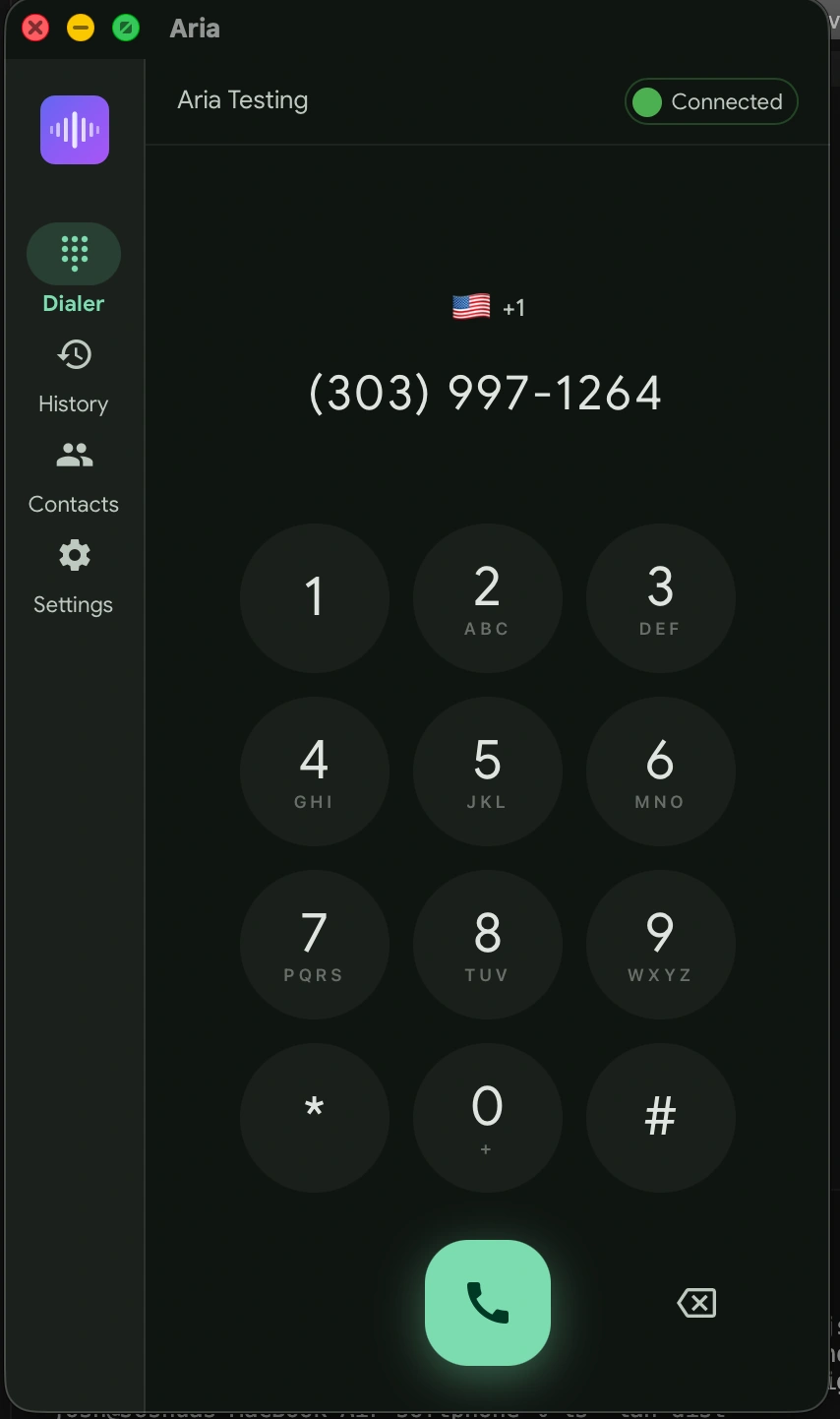
Desktop Screenshots
Unretouched screenshots of the desktop build on macOS.
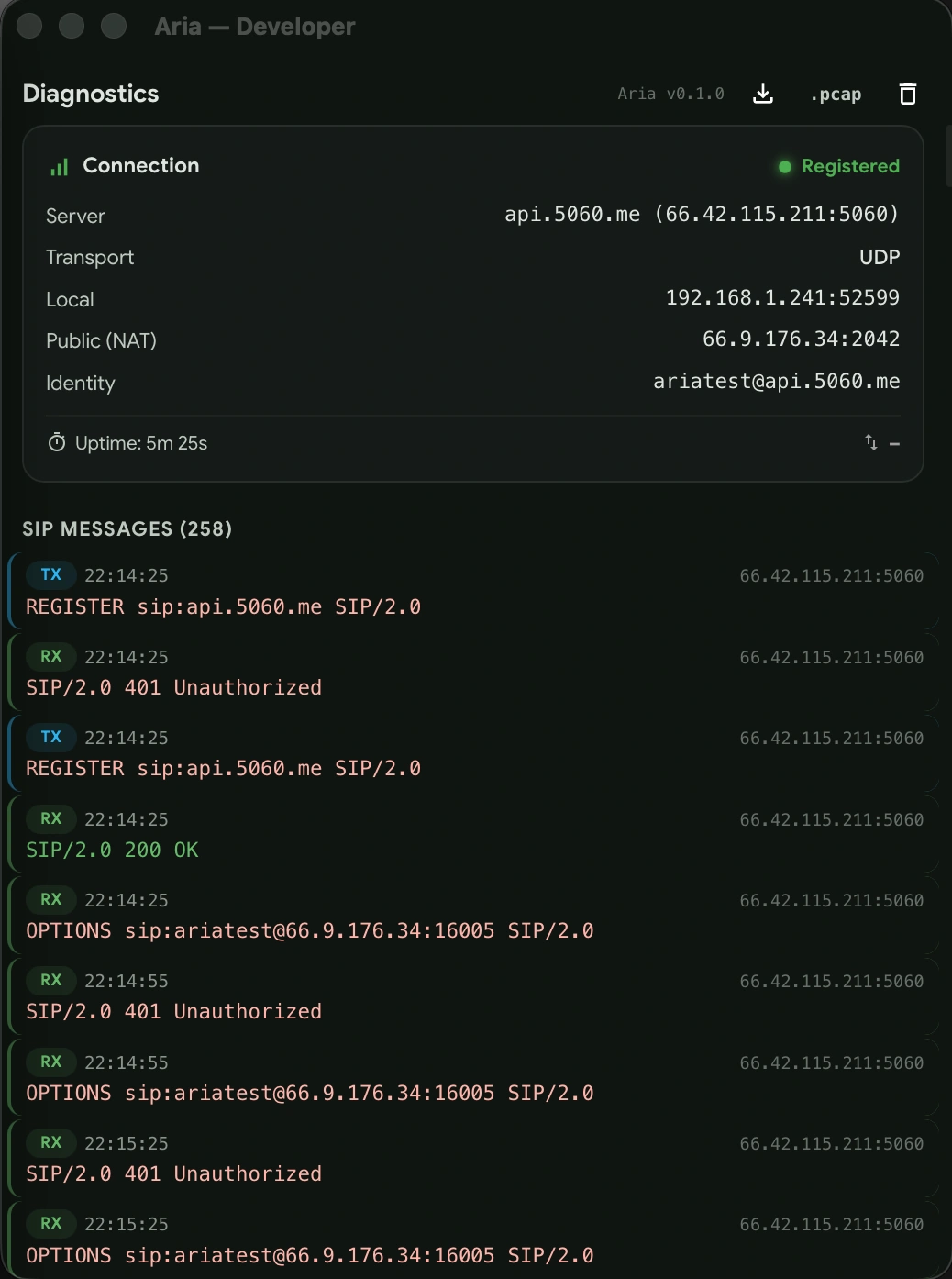
Under the Hood
SIP Call Flow
See exactly what happens when you make or receive a call through Aria.
Desktop — Direct SIP
SIP · Port 5060Call setup
ARIAPBX
- REGISTER sip:pbx.example.com
- 401 Unauthorized
- REGISTER + digest auth
- 200 OKRegistered
- INVITE sip:bob@example.com
- 100 Trying
- 180 RingingRinging
- 200 OK + SDP answerConnected
- ACK
- RTP · Opus 48 kHz · SRTP AES-128
Mobile — Via Push Gateway
PBX
Push Gateway
APNs / FCM
Mobile App
Gateway maintains REGISTER on behalf of device
INVITE
←
←
100 Trying
VoIP push notification
←
Wake up + call token
←
←
GET /v1/calls/{token}
SDP offer + caller info
←
←
POST /v1/calls/{token}/accept + SDP answer
←
200 OK (with app SDP)
PBX
Mobile
RTP media flows directly between PBX and mobile app
Worth knowing
Lightning Fast
Built with Rust for native performance. Launches instantly, uses minimal resources.
Privacy First
No telemetry, no analytics. Your data stays on your device, period.
Beautiful Design
Crafted with attention to detail. React on desktop, SwiftUI on iOS, Compose on Android.
Open Source
Read the source on GitHub. Open source for non-commercial use; business use needs a licence.
Try it on your own line
Download now and experience the future of VoIP communication. Free for personal use, always.