What Aria actually does
The full feature list, and the honest limits of each one.
The calls you make every day
Aria registers with any standards-compliant SIP server over UDP, TCP or TLS and handles the everyday call controls. The SIP stack is ours, written to RFC 3261 rather than wrapped around a library.
- Inbound and outbound calls
- Hold, mute and a DTMF keypad (RFC 2833/4733)
- Blind transfer
- Three-way conferencing — merge two calls, swap between them
- Presence and busy-lamp-field for monitored extensions
- Message-waiting indicator for voicemail
Wideband audio, real codecs
Opus up to 48 kHz where both ends support it, G.711 and G.729 everywhere else. The RTP engine is ours, so the jitter buffer, resampling and echo cancellation are tuned for voice rather than inherited from a general-purpose media stack. Echo cancellation and noise suppression are on by default.
- Opus (up to 48 kHz), G.711 µ-law/A-law, G.729
- Adaptive jitter buffer
- Echo cancellation and noise suppression
- Sample-rate conversion
Encrypted in transit
TLS secures signalling, SRTP encrypts media using AES-128-CM with HMAC-SHA1-80, and credentials are stored in your system keychain rather than in plain text. Keys are exchanged in the SDP (SDES), so media is encrypted between Aria and your server — this is transport encryption, not end-to-end encryption.
- TLS transport for SIP signalling
- SRTP with AES-128 encryption
- Secure credential storage
- No data sent to third parties
Call recording
Record a call with one click, or turn on auto-record for an account so every call is captured. Recordings are written to local WAV files on your own machine — nothing is uploaded — and you can play them back from the call history.
- One-click recording during calls
- Auto-record option per account
- Local storage - you own your data
- Easy playback from call history
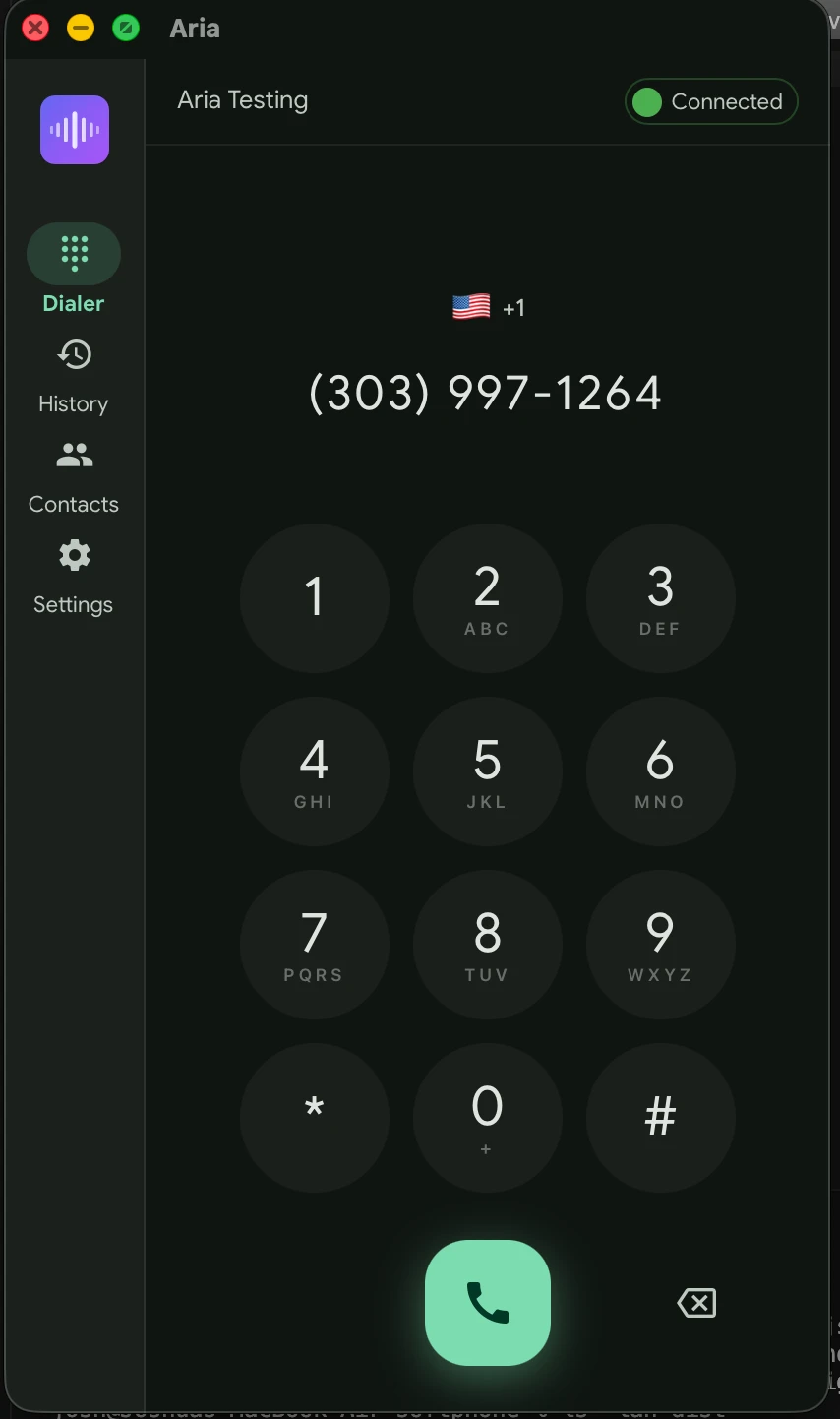
Multiple accounts
Register several SIP accounts at once and switch which one places calls from the status bar. Each keeps its own settings — codecs, SRTP mode, auto-record — and the app re-registers and backs off on its own when a network drops.
- Multiple SIP accounts registered at once
- Switch the active account in one click
- Per-account codecs, SRTP and auto-record
- Automatic re-registration with backoff
Native mobile apps
Native apps for iOS and Android share the same Rust SIP and RTP engine as the desktop. Calls wake the phone through push notifications and appear in the native call UI. These are built and in testing — not yet released.
- CallKit integration on iOS (lock screen, Siri)
- Android ConnectionService with native call UI
- VoIP push via APNs and FCM
- Contacts integration on both platforms
- Shared Rust core via UniFFI bindings
Self-Hosted Push Gateway
The Aria Push Gateway is a lightweight SIP B2BUA that sits between your PBX and mobile devices. It holds SIP registrations on behalf of phones, intercepts incoming INVITEs, and delivers VoIP push notifications; outgoing calls route through it too. It ships alongside the mobile apps and is in testing.
- Maintains SIP registrations for mobile devices
- Delivers APNs (iOS) and FCM (Android) push
- B2BUA for outgoing call origination
- REST API for device registration and call signaling
- SQLite storage, ~256MB RAM, runs anywhere
The rest of it
Smaller things that matter once you use it every day
Set up by QR code
Scan a provisioning code or paste an aria:// link to fill in an account — or enter the details by hand
SIP diagnostics
Live SIP trace with a ladder view, per-call filtering, and export to a Wireshark-readable PCAP
Automatic updates
Signed in-app updates, checked on launch and periodically; you choose when to install
Contacts and history
Import system contacts, mark favourites, search the call history and call back in one click
Every desktop platform
Signed installers for macOS, Windows and Linux, published straight from the build
Open source
Free for non-commercial use — read the code, build it yourself, or point it at your own server
Point it at your SIP account
Download it, enter your SIP details or scan a QR code, and make a call.
Download Aria